
iPad app
cat
iPad
Check compatibility and availability in the US App Store listing before downloading Capra.
View US App Store listingOpens the US Apple App Store listingGET READY TO LEARN
Find the access method for your lesson device.
Already have a Capra student account? Use the Traditional Chinese login below. For help in English, email enquiry@capraedu.com.
iPad app
Check compatibility and availability in the US App Store listing before downloading Capra.
View US App Store listingOpens the US Apple App Store listingAndroid tablet app
Use the official Capra APK. Ask Capra about your device and installation if you need help.
Download Android APKAndroid tablet installation file · APKJoin a lesson on the web
Sign in with your Capra student account at the Traditional Chinese login. Join at your confirmed lesson time; email enquiry@capraedu.com for access help.
Open web login (Traditional Chinese)Same Traditional Chinese destination as Student login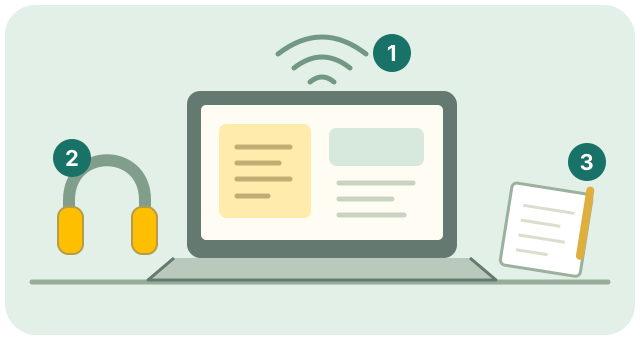
CHECK YOUR SETUP
Tell us which device you plan to use. Discuss compatibility and how to get connected with Capra.
Check the internet connection, microphone and camera before the lesson so your child can focus on learning.